The cost comes first
AI tools are billed by use. Each one shows its cost before it runs.
Run AI tools on one upload or on every upload in a project. The transcript, chapters and checks land on the review page, next to the cut.
Compare plans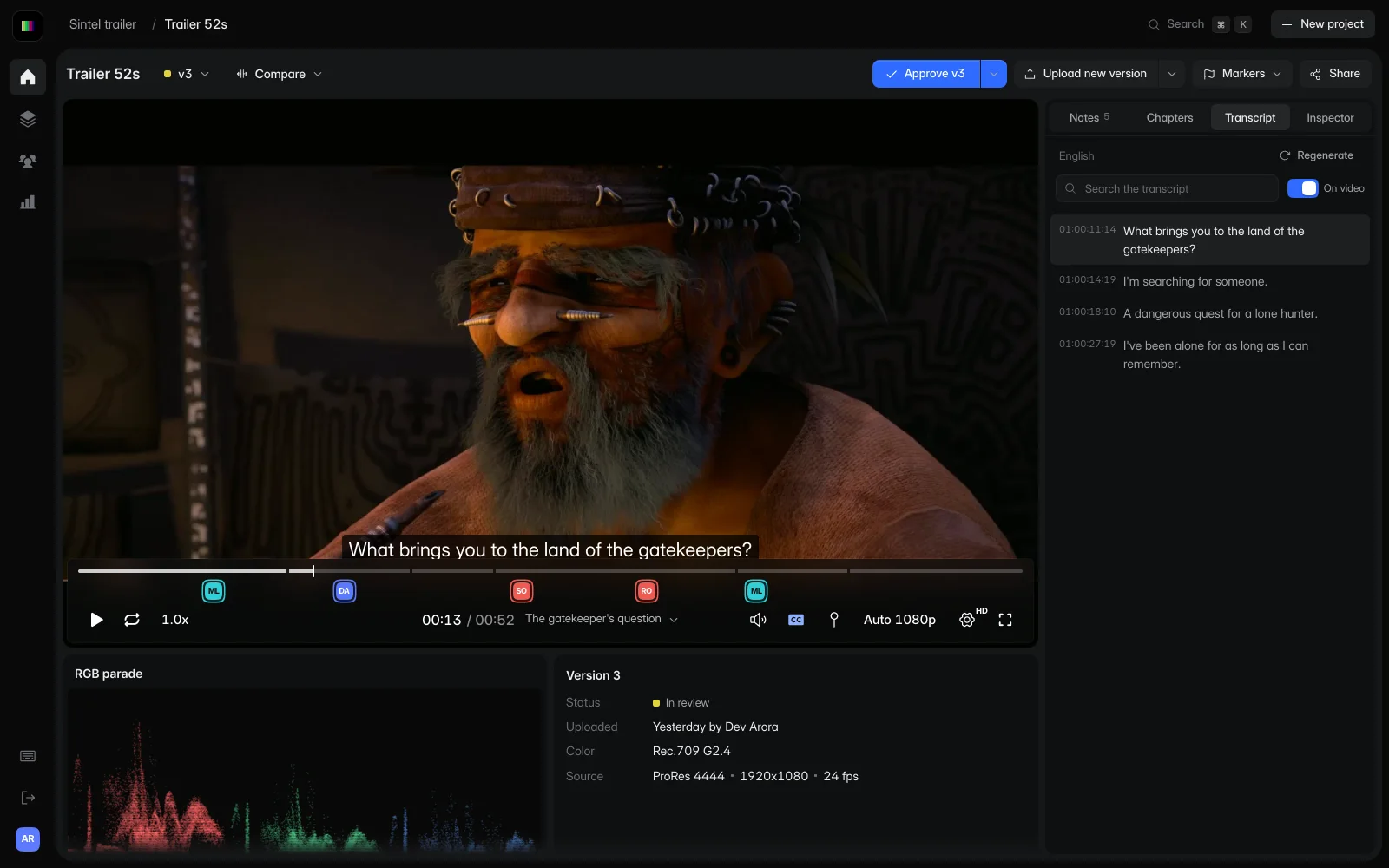
Every result is saved with the version it was made from, so reviewers see it when they open the link.
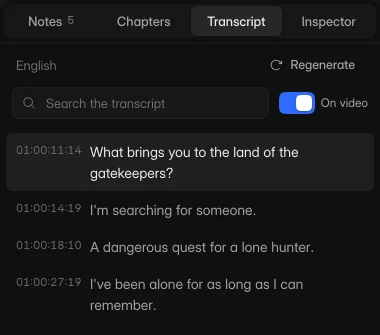
High-accuracy captions and a searchable transcript. Choose a line to jump to it, or show the captions on the video.
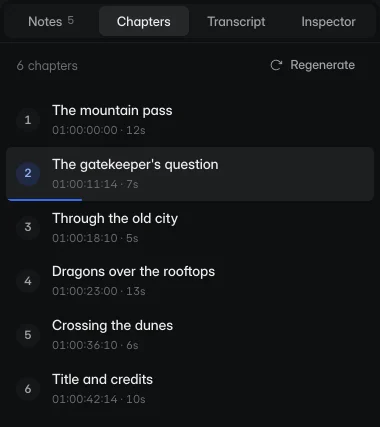
Chapters are titled, timestamped sections in their own tab and along the timeline, so a reviewer can go straight to the part they want.
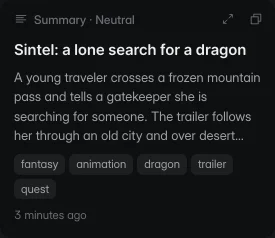
A title, description and tags written from what's said and shown, in the tone you choose.
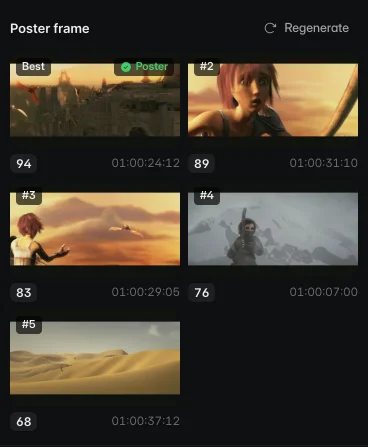
Five frames are scored for focus, composition and contrast. Pick one as the poster for the file card.
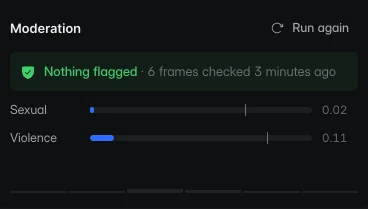
Sampled frames are scored for sexual and violent content, so you know before a review link goes out.
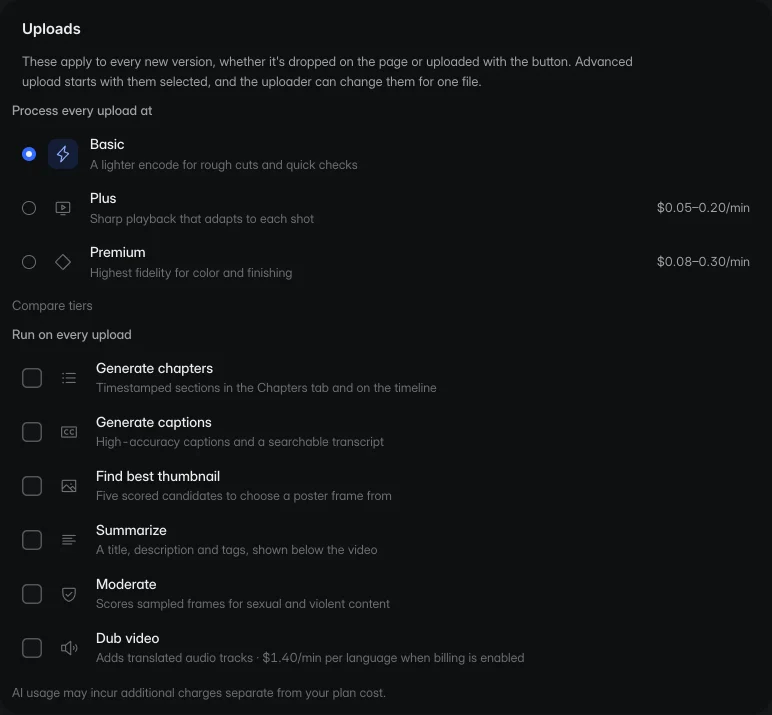
Choose the tools a project runs on each new version. Whoever uploads can still change them for one file.
AI tools are billed by use. Each one shows its cost before it runs.
A job that fails or that you cancel isn't charged.
Dubbing translates the spoken audio into another language. Each dub is a track reviewers can switch to in the player.
By use. Each tool shows its cost before it runs, and failed or cancelled jobs are free. The pricing page lists the rate for each tool.
Studio and Facility. AI usage is billed to the team's subscription, so Freelance teams upgrade to Studio first.
No. Run a tool on one upload when you need it, or choose the tools a project runs on every new version.
On the review page. The transcript and chapters have their own tabs, captions show on the picture, and chapters are marked along the timeline.
Start free with one editor and three projects. Reviewers never pay.