Give the editor a clear change
Keep feedback from your manager and brand partner on the draft. A timecode makes it easier to find the right shot when the editor returns to the timeline.
Share a draft with your editor, manager or brand contact. Keep their feedback on the video instead of spread across messages.
Compare plans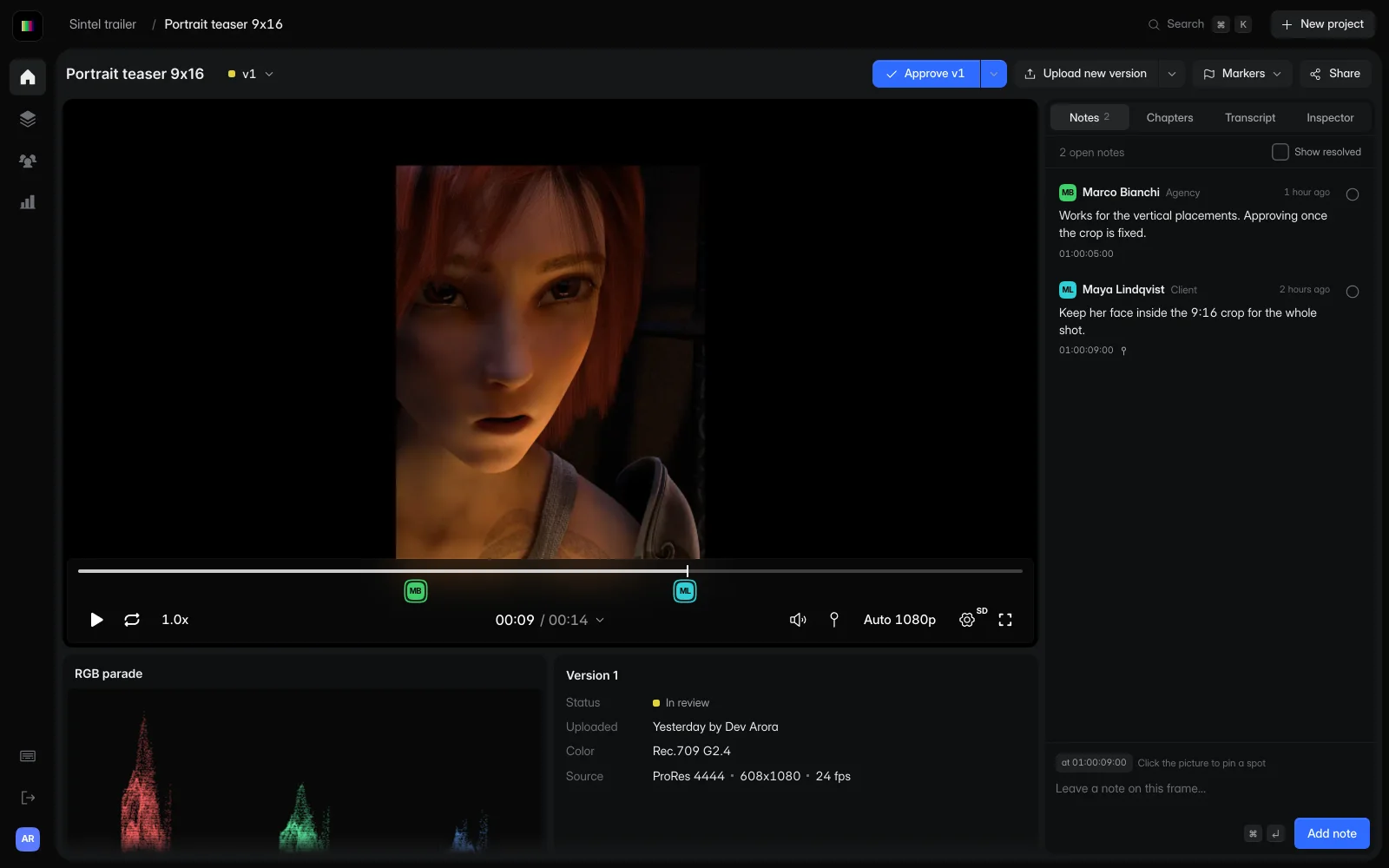
Choose a note to jump to that point in this sample clip. A brand contact can point to the shot it wants changed, instead of describing it in a direct message.
Choose a note to pause at its timecode.
Sintel © Blender Foundation, under CC BY 3.0. Demo revisions include excerpts, a portrait crop and a color adjustment.
A brand asks for a shorter product shot. It leaves a note at the shot, your editor uploads the new cut and everyone reviews the same version.
Put your video in a project before you send it for review.
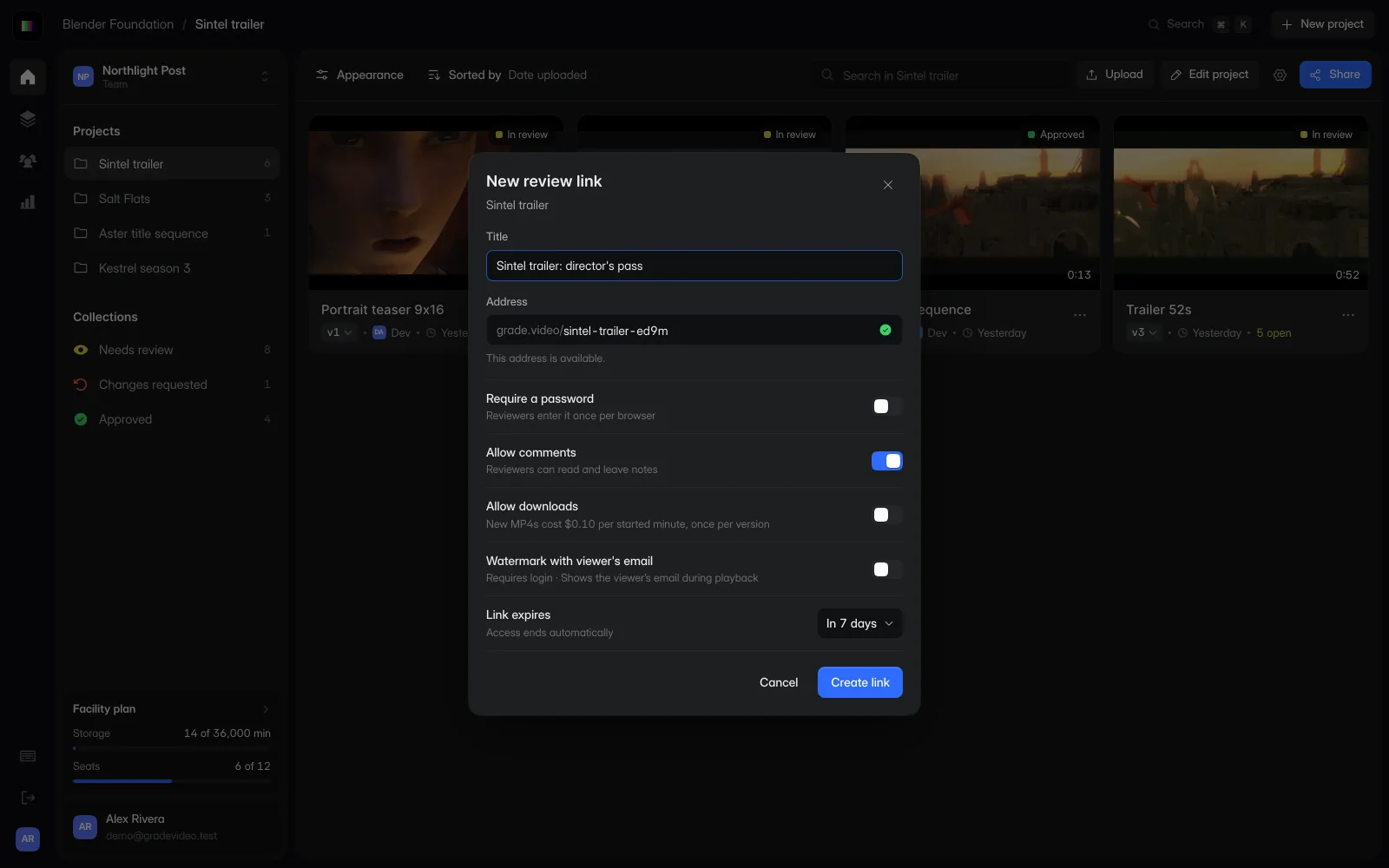
Share the review link with the people who need to check captions, product shots or the edit.
Keep each revision in the project so you can check what changed before publishing.
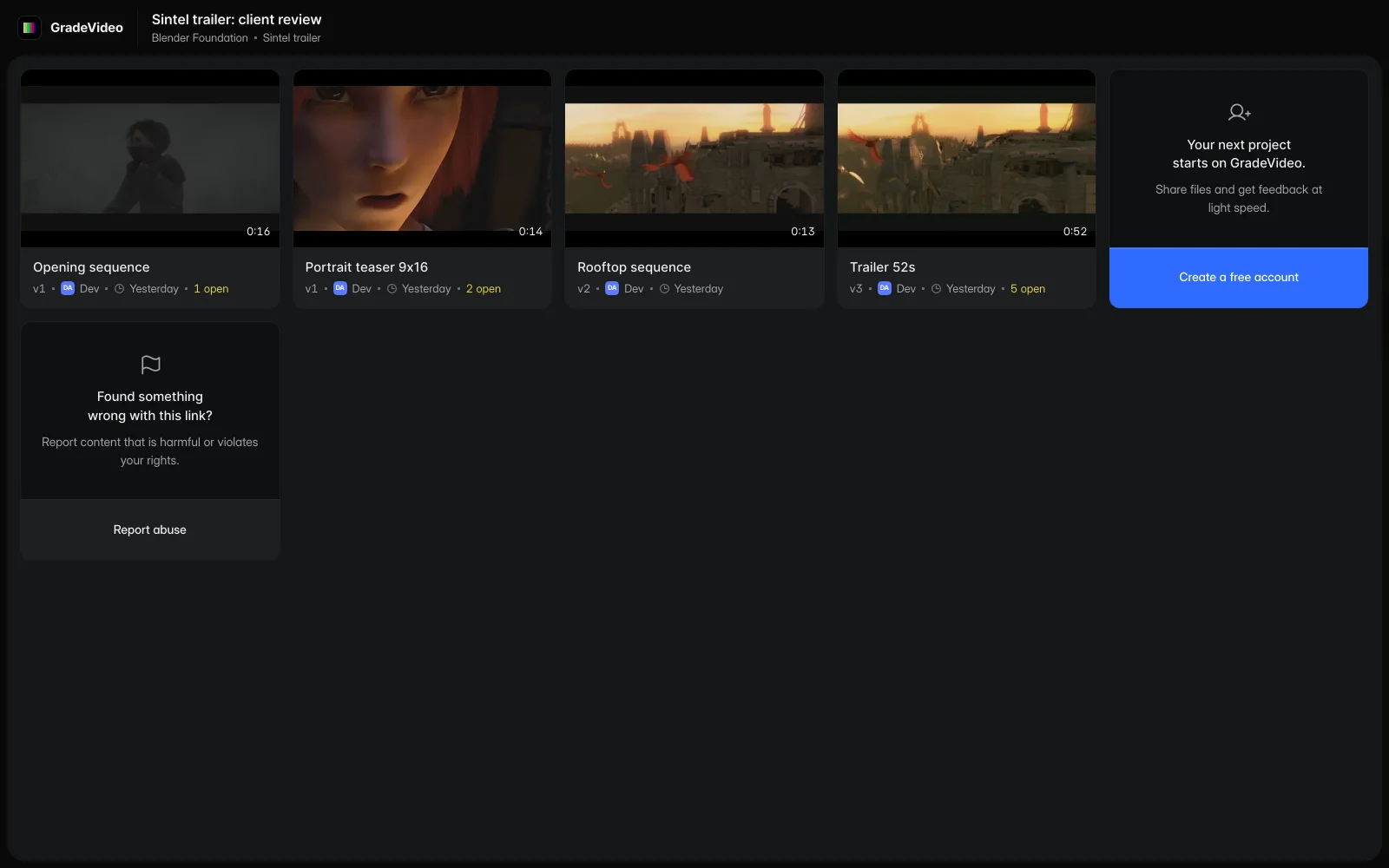
Keep feedback from your manager and brand partner on the draft. A timecode makes it easier to find the right shot when the editor returns to the timeline.
Use a project for the collaboration, then add revised cuts to it. You can find the feedback without scrolling through an inbox.
Studio includes Custom Branding, so the page can carry your logo and brand colors when you share work with a sponsor.
Make the changes in your editor, then publish through your usual tools. GradeVideo is where you review the draft before it goes live.
Yes. Reviewers do not need a paid seat. Send them the review link with the access settings you choose.
Start free with one editor and three projects. Reviewers never pay.