Give feedback students can find
Attach the critique to a moment in the video. Use a drawing when you need to point to framing or a detail within the shot.
Review film assignments, class projects and campus videos with comments that show students which moment needs work.
Compare plans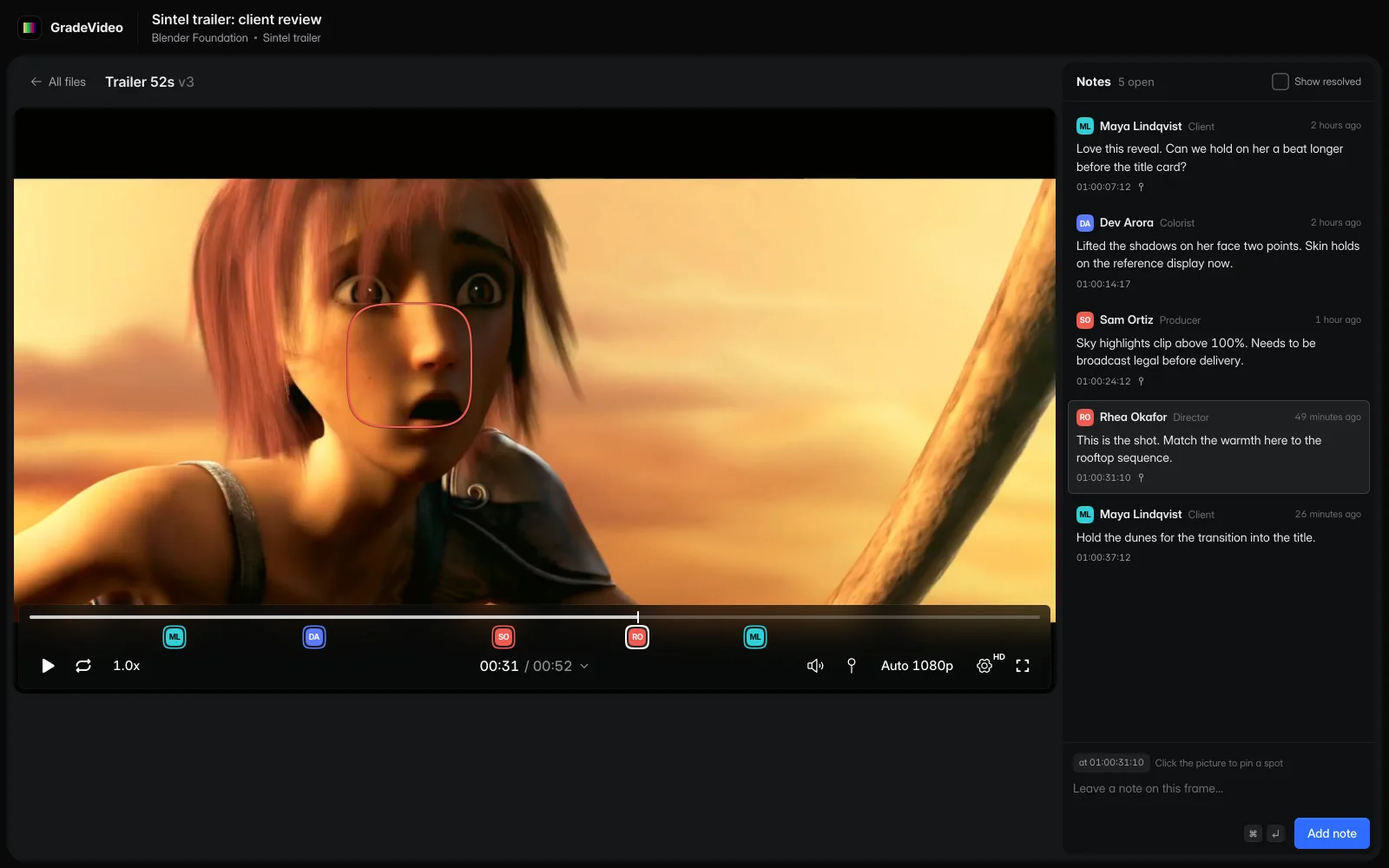
Play the sample, then select an instructor's note to jump to its moment in the clip. Students can see the shot being discussed before making the revision.
Choose a note to pause at its timecode.
Sintel © Blender Foundation, under CC BY 3.0. Demo revisions include excerpts, a portrait crop and a color adjustment.
An instructor leaves a note on a jump cut. The student revises the sequence and brings both versions to the next critique.
Group videos by assignment or production, with access managed by the school.
Leave comments at the frame you want to discuss, from an audio cue to an edit.
Compare the next version with the earlier cut and use the notes to guide the critique.
Attach the critique to a moment in the video. Use a drawing when you need to point to framing or a detail within the shot.
Keep the first submission and its revised cut in the same project. Compare them during a critique and discuss how the edit changed.
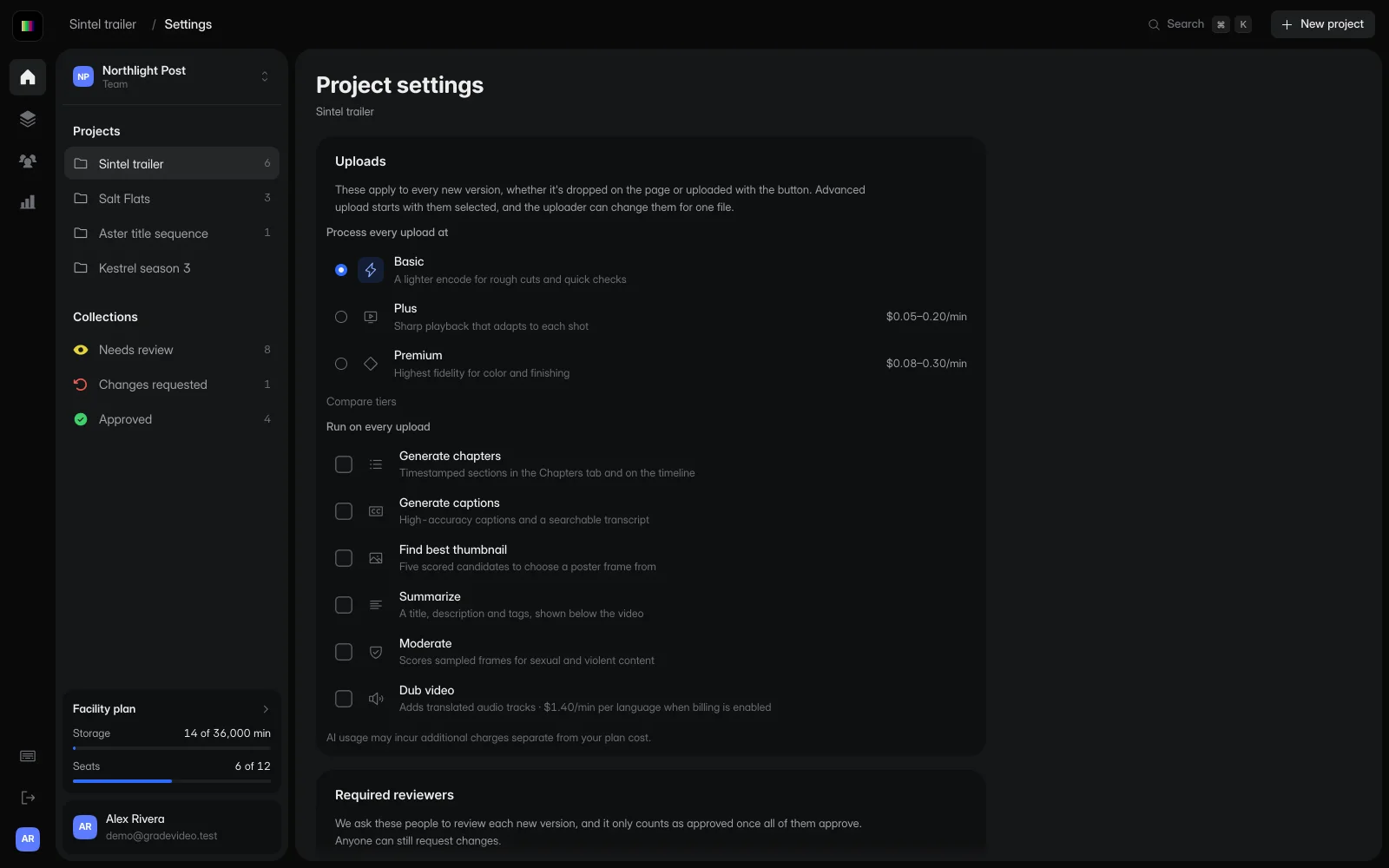
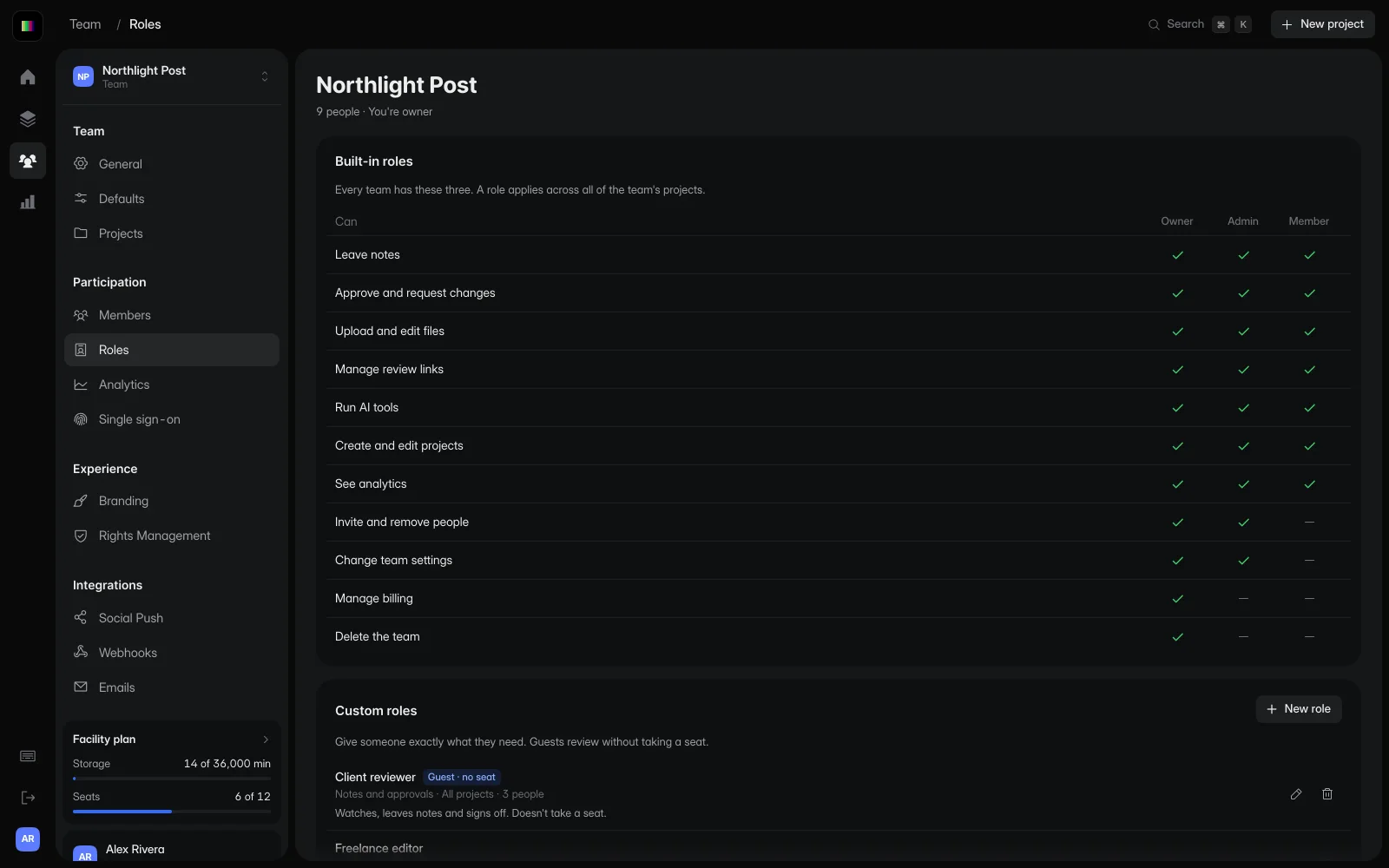
Choose who receives review links and manage access through the school. Obtain the permissions your school needs before uploading student recordings.
Use your existing learning system for enrollment, grades and assignment administration. GradeVideo provides the video review and feedback workflow.
Review the Privacy Policy, Terms of Service, student permissions and your school's data requirements. A school administrator must authorize access; children under 13 must not create accounts.
Schools manage access and required permissions for student work. Read our Privacy Policy and Terms of Service before adding students or sharing their content.
Start free with one editor and three projects. Reviewers never pay.