Send one place for feedback
Give the client a review link rather than another file attachment. Read the notes beside the cut and work through them in your editor.
Upload the cut and send a link. Read the client's notes beside the video, then keep the revision in the same project.
Compare plans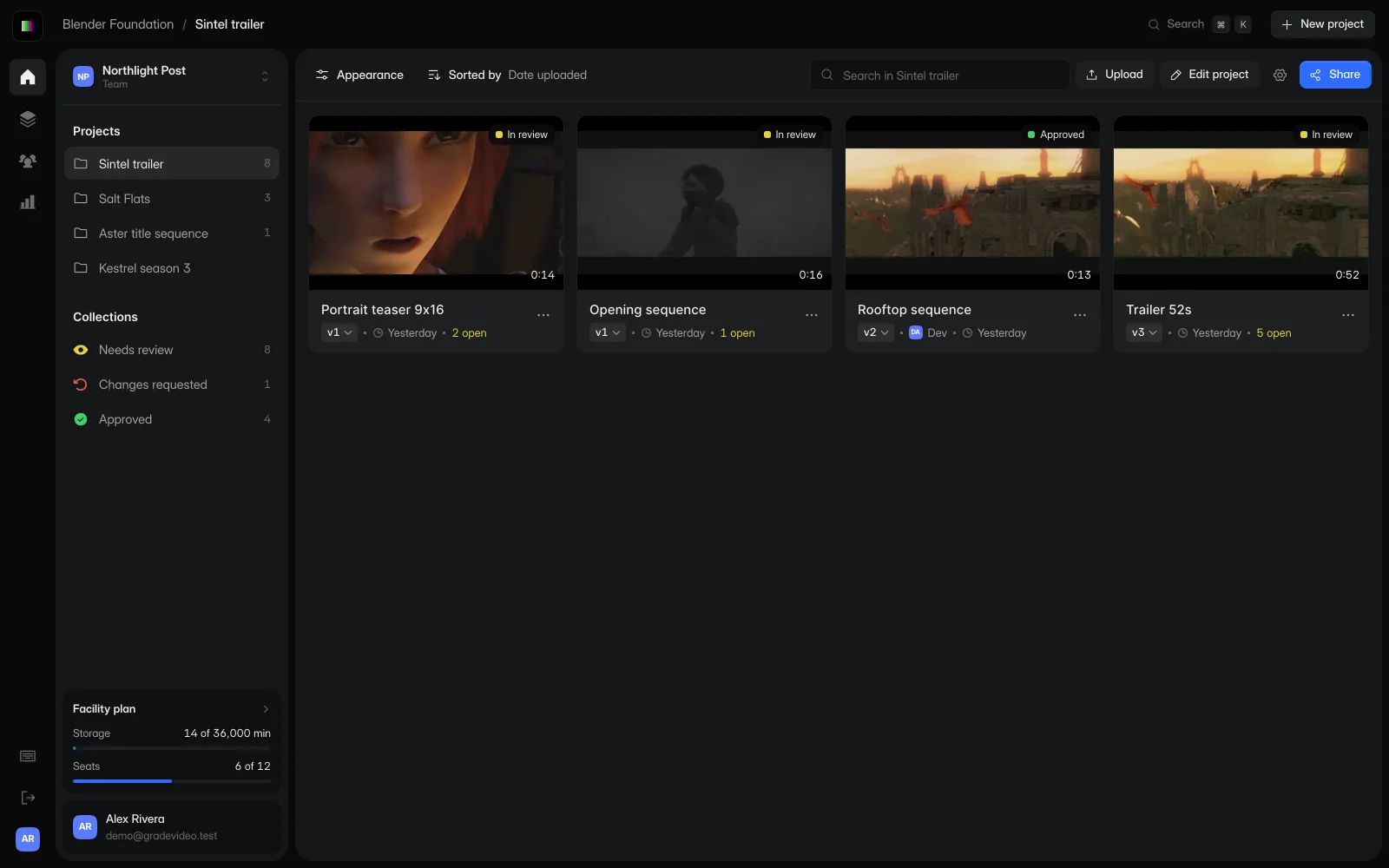
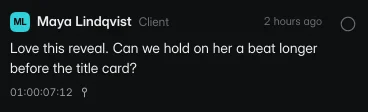
Select a sample note and the clip pauses on its timecode. The note and the video stay together, so you can get back to the edit with a specific instruction.
Choose a note to pause at its timecode.
Sintel © Blender Foundation, under CC BY 3.0. Demo revisions include excerpts, a portrait crop and a color adjustment.
Your client asks to change the music at 12 seconds. The note stays on that moment, so you can find it when you return to the edit.
Upload the version you want reviewed and share its link with the client.
Use comments and drawings to find the shot or edit the client means.
Add each new cut to the project so you and the client can find earlier feedback.
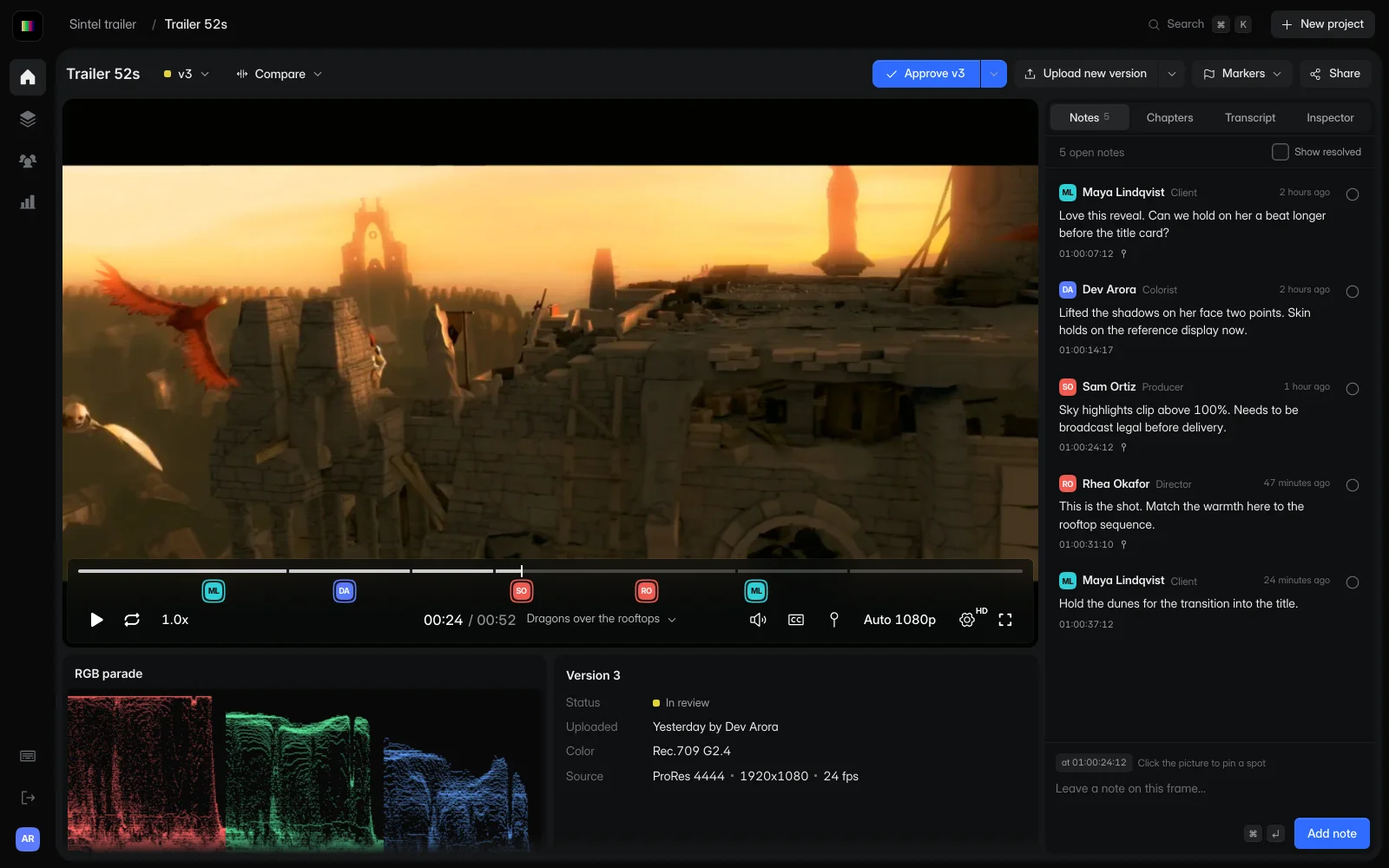
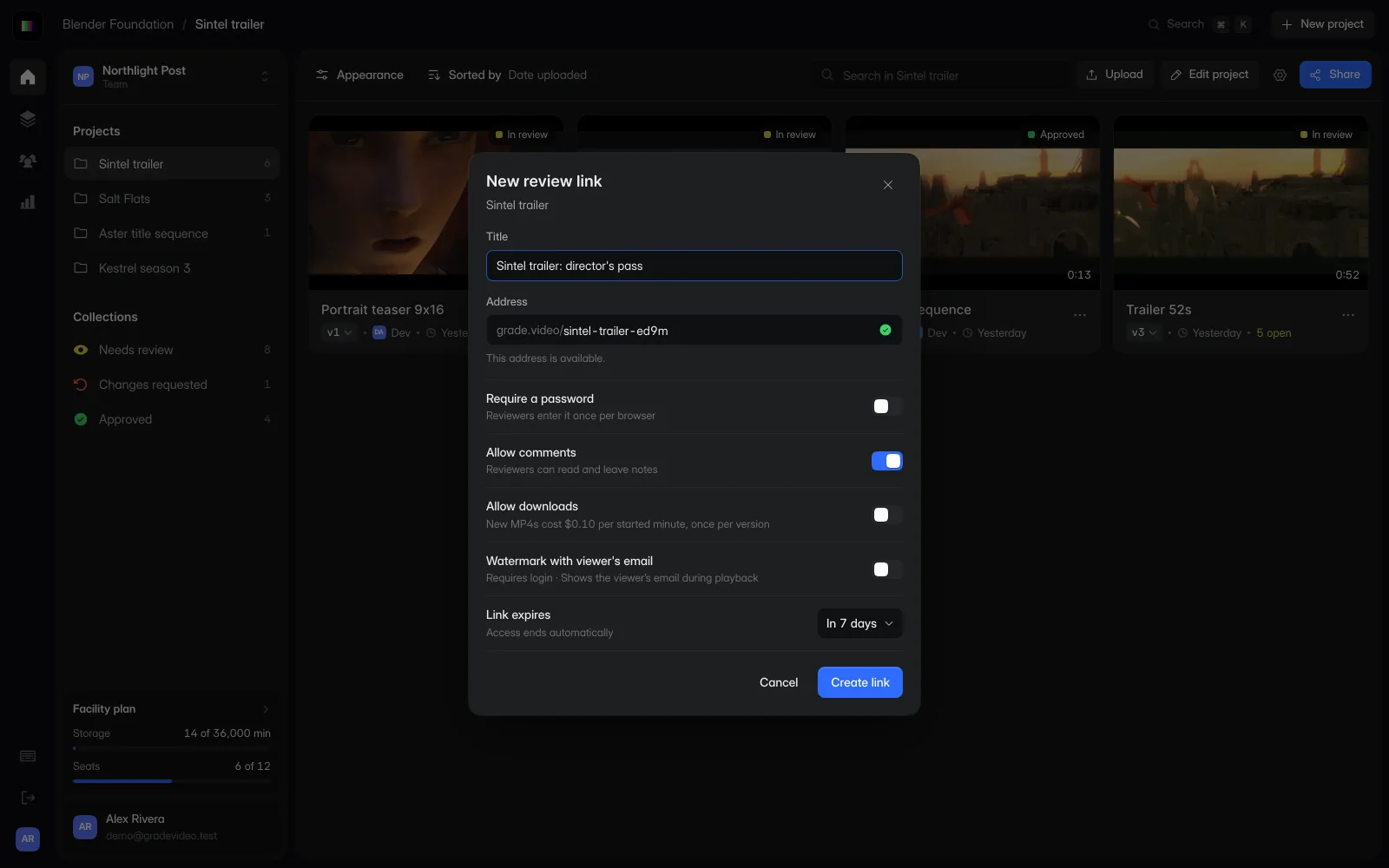
Give the client a review link rather than another file attachment. Read the notes beside the cut and work through them in your editor.
Add revisions to the project so you can return to the earlier feedback. Compare the change before you send the client another link.
Freelance includes one seat and three active projects. Move to Studio for more work, version comparison, marker exports and Custom Branding.
Take the review notes into your edit as timeline markers. Each marker tells you where to look and what the reviewer asked to change.
TITLE: SINTEL_TRAILER_V3
FCM: NON-DROP FRAME

001  AX       V     C        01:00:07:12 01:00:07:13 01:00:07:12 01:00:07:13
* LOC: 01:00:07:12 CYAN    MAYA (CLIENT) HOLD ON HER A BEAT LONGER BEFORE THE TITLE CARD
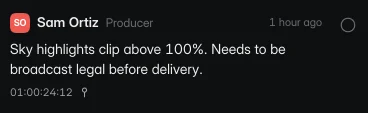
002  AX       V     C        01:00:24:12 01:00:24:13 01:00:24:12 01:00:24:13
* LOC: 01:00:24:12 RED     SAM (PRODUCER) SKY HIGHLIGHTS CLIP ABOVE 100%
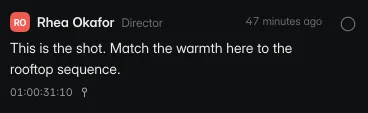
003  AX       V     C        01:00:31:10 01:00:31:11 01:00:31:10 01:00:31:11
* LOC: 01:00:31:10 RED     RHEA (DIRECTOR) MATCH THE WARMTH TO THE ROOFTOP SEQUENCE
TITLE: SINTEL_TRAILER_V3
FCM: NON-DROP FRAME
001 001 V C 01:00:07:12 01:00:07:13 01:00:07:12 01:00:07:13
Hold on her a beat longer before the title card. |C:ResolveColorCyan |M:Maya (Client) |D:1
002 001 V C 01:00:24:12 01:00:24:13 01:00:24:12 01:00:24:13
Sky highlights clip above 100%. |C:ResolveColorRed |M:Sam (Producer) |D:1timecode,frame,version,reviewer,role,status,note
01:00:07:12,180,v3,Maya Lindqvist,Client,open,"Love this reveal. Can we hold on her a beat longer before the title card?"
01:00:14:17,353,v3,Dev Arora,Colorist,open,"Lifted the shadows on her face two points."
01:00:24:12,588,v3,Sam Ortiz,Producer,open,"Sky highlights clip above 100%. Needs to be broadcast legal before delivery."
01:00:31:10,754,v3,Rhea Okafor,Director,open,"This is the shot. Match the warmth here to the rooftop sequence."Yes. Freelance includes one upload seat, three active projects, 100 GB of storage and unlimited reviewers.
Choose Studio when you need more active projects, pooled storage, version comparison, timeline marker exports or Custom Branding.
Start free with one editor and three projects. Reviewers never pay.